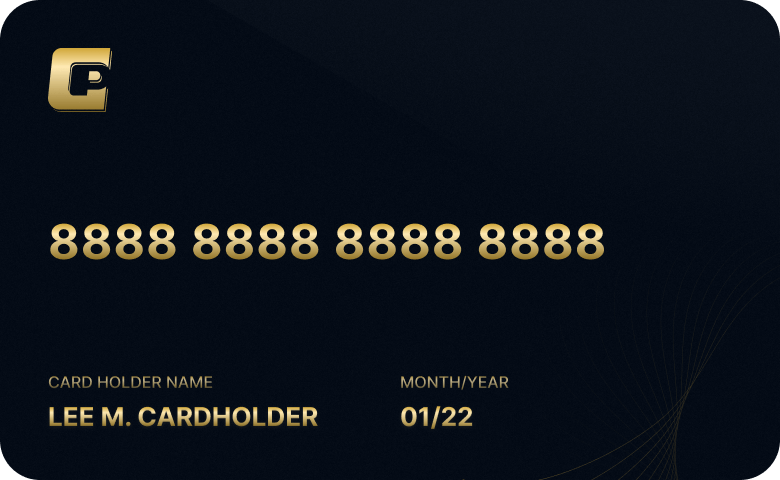
SpeedPay Card is the first virtual electronic card that can be
easily used for spending via QR codes within China, supporting
over 50 million merchants to make purchases. Simplify everyday card
use and transaction flows. In the complex
world of cross-border spending, we are committed to making things
simple
Support QR-code spending at 50 million merchants in China
without handling fees
Real-time transaction management
View card activity and transaction status anytime
Convenient and Quickly responded
Mobile application for managing transactions anytime, anywhere
Huawei Pay ATM withdrawal
Support Huawei Pay to bind consumption and ATM cash withdrawal
Safe and reliable
Secure encryption for every transaction
Online account opening
Simply fill out a few steps of KYC information to open a personal
account
How to apply
Step 01
Download the SpeedPay app
Step 02
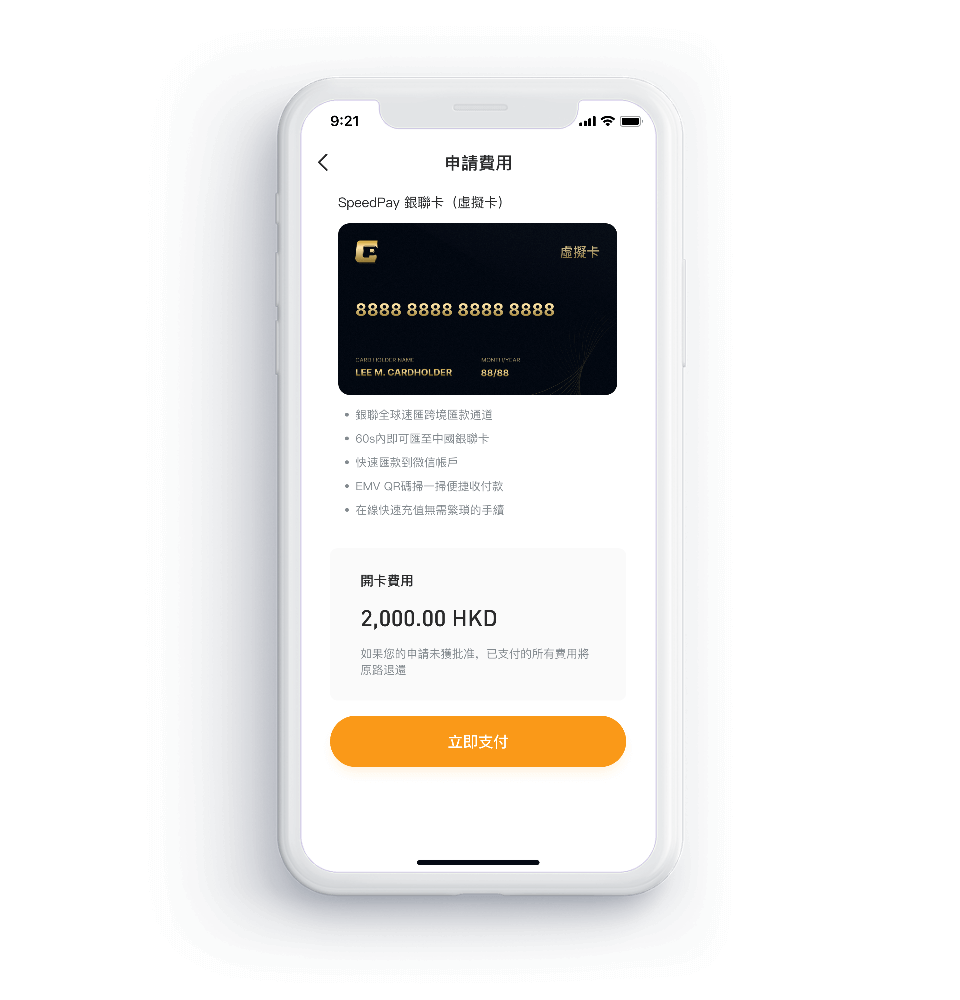
Applying for a SpeedPay card
Step 03
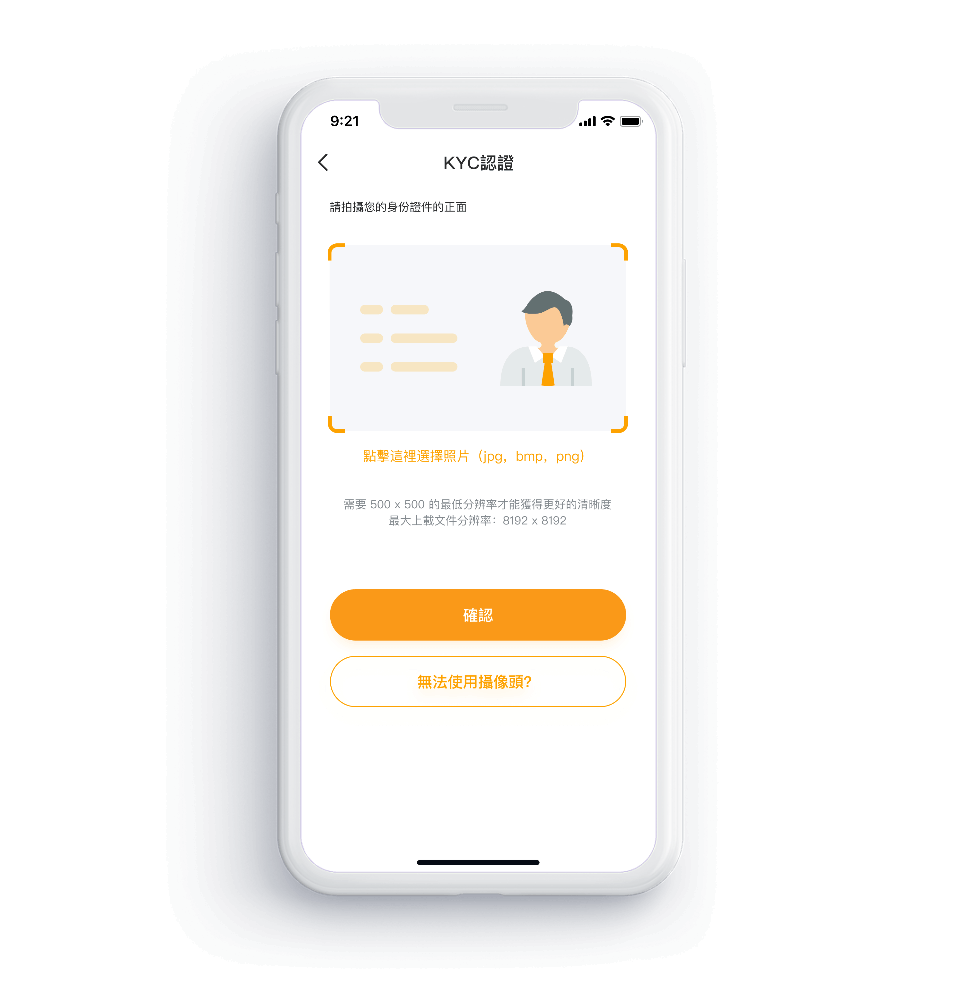
Submit KYC materials
Step 04
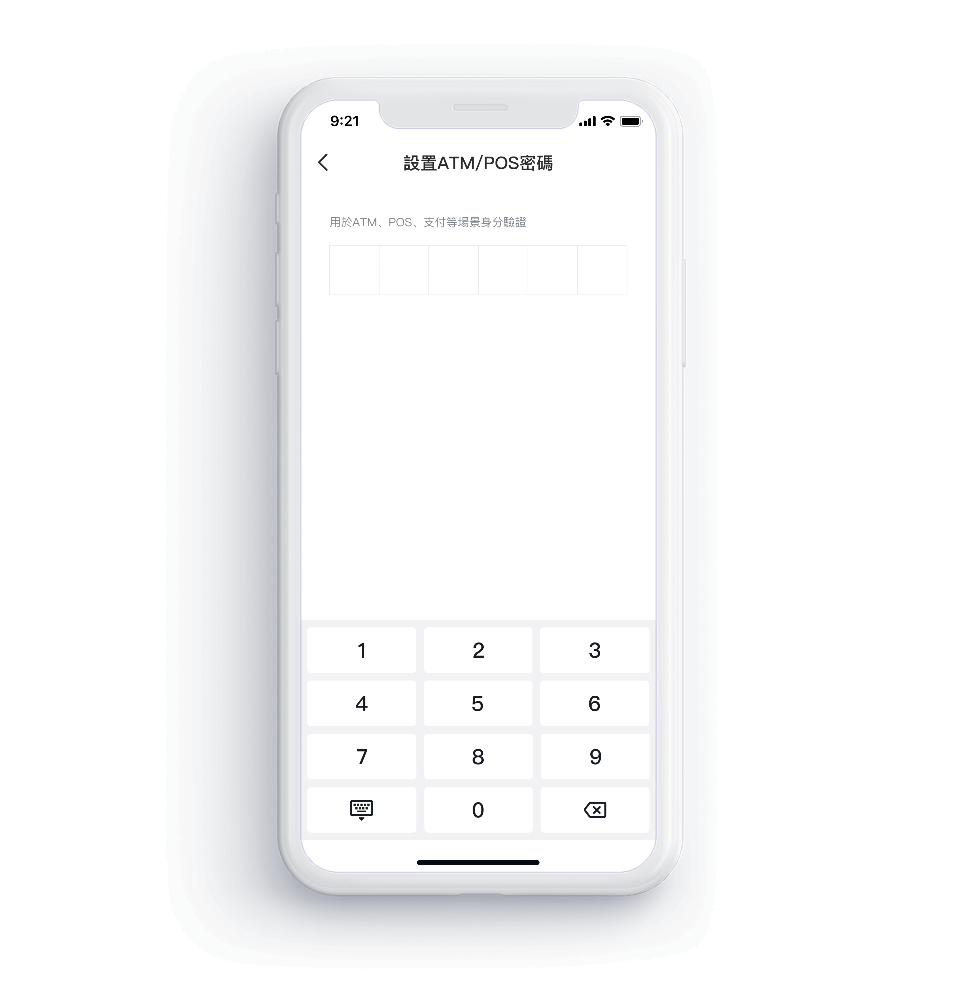
Activate and set card ATM/POS password
How to apply
Step 01Download the SpeedPay app
Step 02Applying for a SpeedPay card
Step 03Submit KYC materials
Step 04Activate and set card ATM/POS password
General Questions
What is a SpeedPay Card?
Speedpay cards are issued by Aleta Planet VBA
Pte. Ltd. and
are sold and/or serviced by our company, Speedpay Global
Financial Technology Co., Ltd. Speedpay cards can be used for
global consumption through QR codes, online merchant spending,
and linked to Huawei Wallet consumption and ATM
withdrawals.
What currencies do SpeedPay Cards have to
choose from?
Speedpay cards offer accounts in both
Singapore dollars and
US dollars.
Can I overdraw my SpeedPay Card?
Cannot. When the balance is insufficient to pay the
transaction amount, the transaction will fail. If
authorization failures occur continuously due to insufficient
balance, a handling fee will be deducted.
About ATM passwords and POS
passwords
It is the 6-digit password set by the customer when activating
the card.
How to handle changing and forgetting
passwords?
Customers can modify their passwords through the card
management function in the card details.
How to use the transfer function between
cards?
You can use the card to card transfer function to transfer the
balance of your SPEEDPAY card to the account of other SPEEDPAY
card customers. You just need to go to the transfer function
in the card details section of the Speedpay mobile app, select
"SpeedPay Card", extract the currency, transfer amount, and 16
digit card number for receiving funds, then press the next
step and enter the confirmation code for the SMS. There is no
handling fee for this feature.
 Home
Home